On this page
- TL;DR
- In this guide
- Why Track Nutrition on Your Apple Watch
- The 4 Best Nutrition Apps for Apple Watch
- Watch Face Widgets: See Progress at a Glance
- Voice Logging: Log Meals Without Typing
- Action Button: One-Press Meal Logging
- Apple Health Sync: Calories In and Out
- Apple Watch Guide Series
- Frequently Asked Questions
TL;DR
Your Apple Watch calorie tracker should do more than show a number—it should let you log meals from your wrist. This guide compares the best apps, explains watch face widgets ("complications"), voice logging, the Action Button, and Apple Health sync, and links to deeper setup guides.
In this guide
- Why track nutrition on Apple Watch
- Best nutrition apps compared
- Watch face widgets
- Voice logging
- Action Button
- Apple Health sync
- Full guide series
- FAQ
Why Track Nutrition on Your Apple Watch
The Apple Watch is great at tracking movement, heart rate, and workouts. Nutrition apps often lag behind: many only show your calorie total on the watch but still make you open your iPhone to log a new meal.
That friction matters. Research on habit formation shows that easier logging leads to more consistent tracking—and consistency beats perfection.
A strong Apple Watch macro tracker lets you:
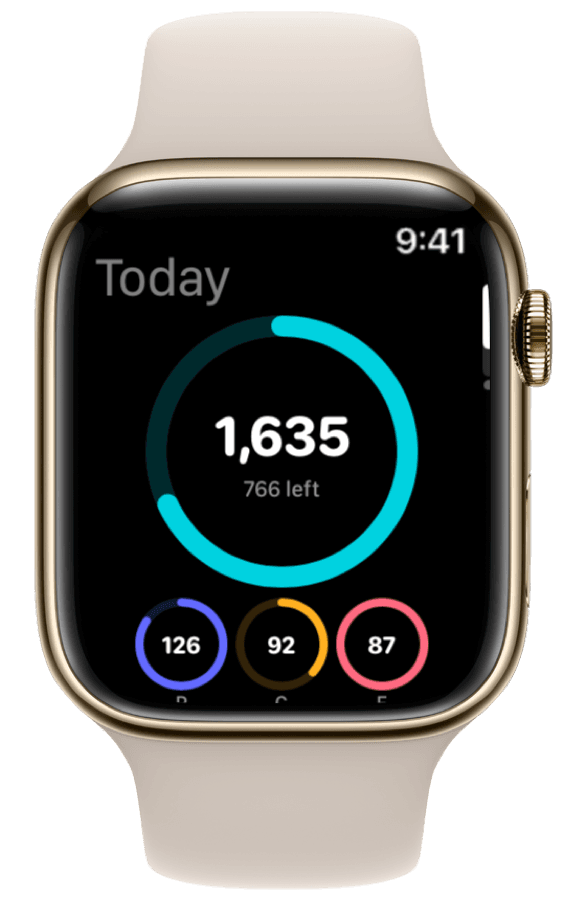
- See protein and calories on your watch face (widgets).
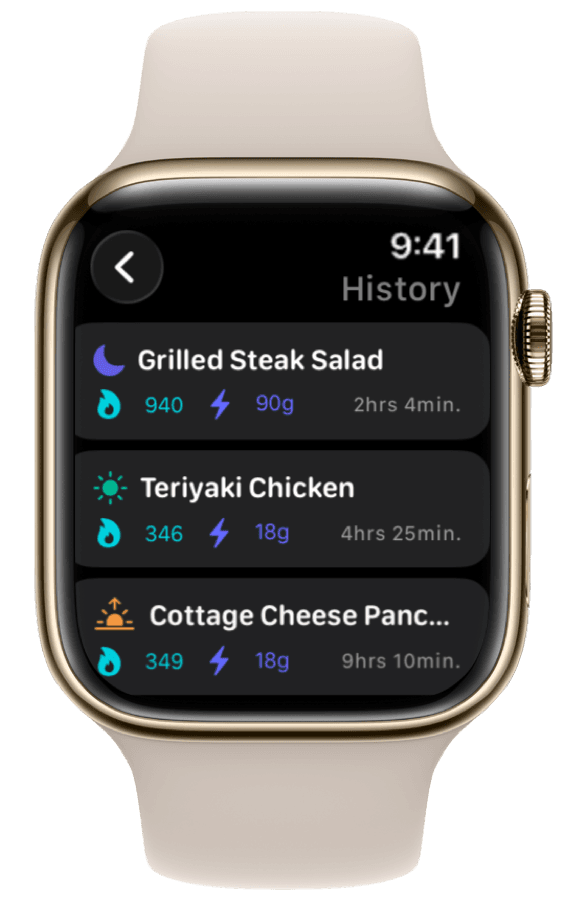
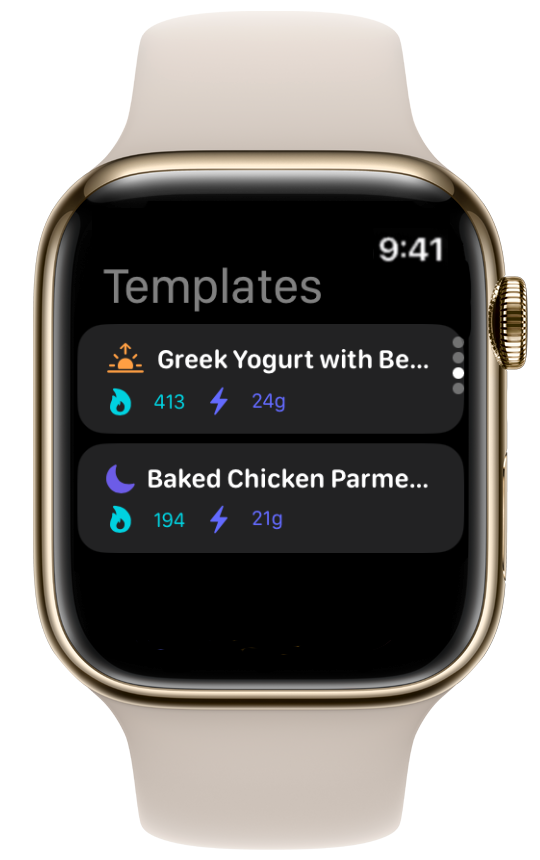
- Log meals by voice or saved templates without your phone.
- Sync meals with Apple Health alongside activity from your watch.
The 4 Best Nutrition Apps for Apple Watch
We looked at whether you can actually log from the wrist—not just view numbers synced from your phone.
| App | Log from watch | Voice log | Watch face widgets | Action Button | Apple Health |
|---|---|---|---|---|---|
| ProteinLog | Yes | Yes | Yes | Yes | Yes |
| MyFitnessPal | Recent meals only | No | Basic | No | Yes |
| Cronometer | Recent meals only | No | Detailed stats | No | Yes |
| Lose It! | Recent meals only | No | Budget view | No | Yes |
1. ProteinLog
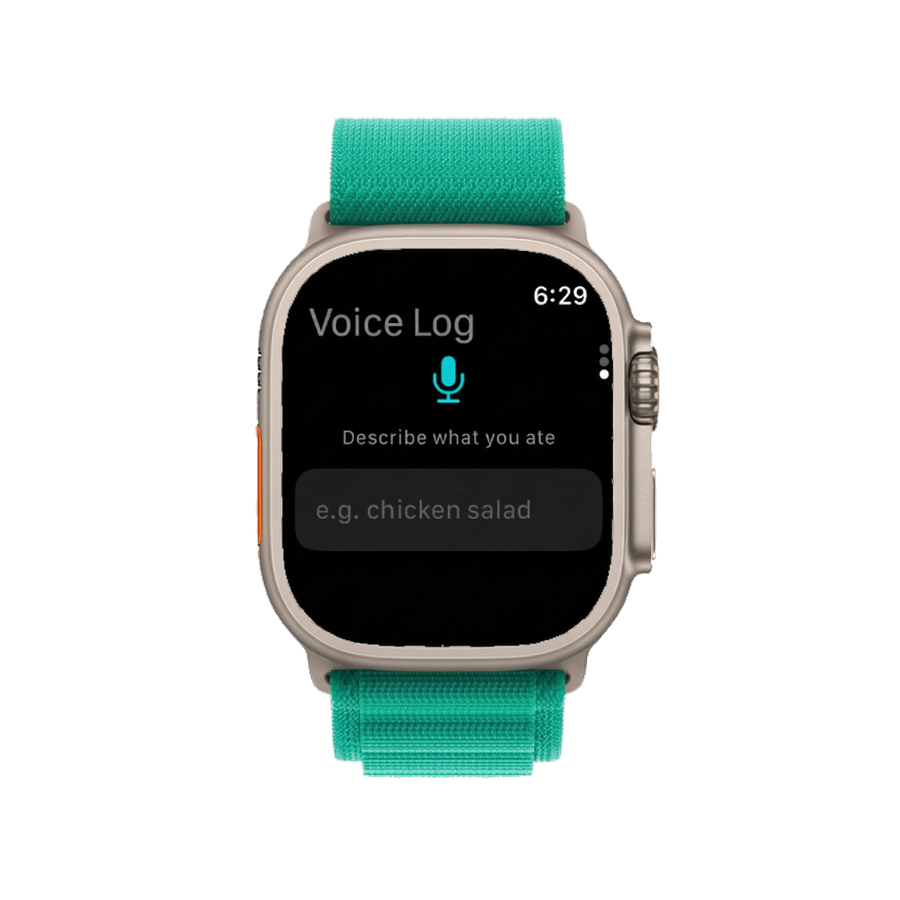
Built for the wrist first: log by voice, add widgets to your watch face, and use the Action Button on Ultra for one-press logging.
2. MyFitnessPal
MyFitnessPal shows daily totals and lets you re-log recent foods from the watch. You cannot search for new foods or use voice logging on the watch. Works if you always log on your phone first.
3. Cronometer
Cronometer shows detailed nutrient stats on the wrist. Most logging still happens on the iPhone—best for people who log at a desk.
4. Lose It!
Lose It! offers a clean calorie view on Apple Watch. Like MFP, it is stronger for viewing progress than logging on the wrist.
Watch Face Widgets: See Progress at a Glance
Apple calls them complications—think of them as small widgets in the slots around your clock when you edit your watch face.
ProteinLog offers two today: a Protein ring (grams eaten toward your goal) and a Macros summary (calories and protein eaten). Setup: Apple Watch widgets guide.
Voice Logging: Log Meals Without Typing
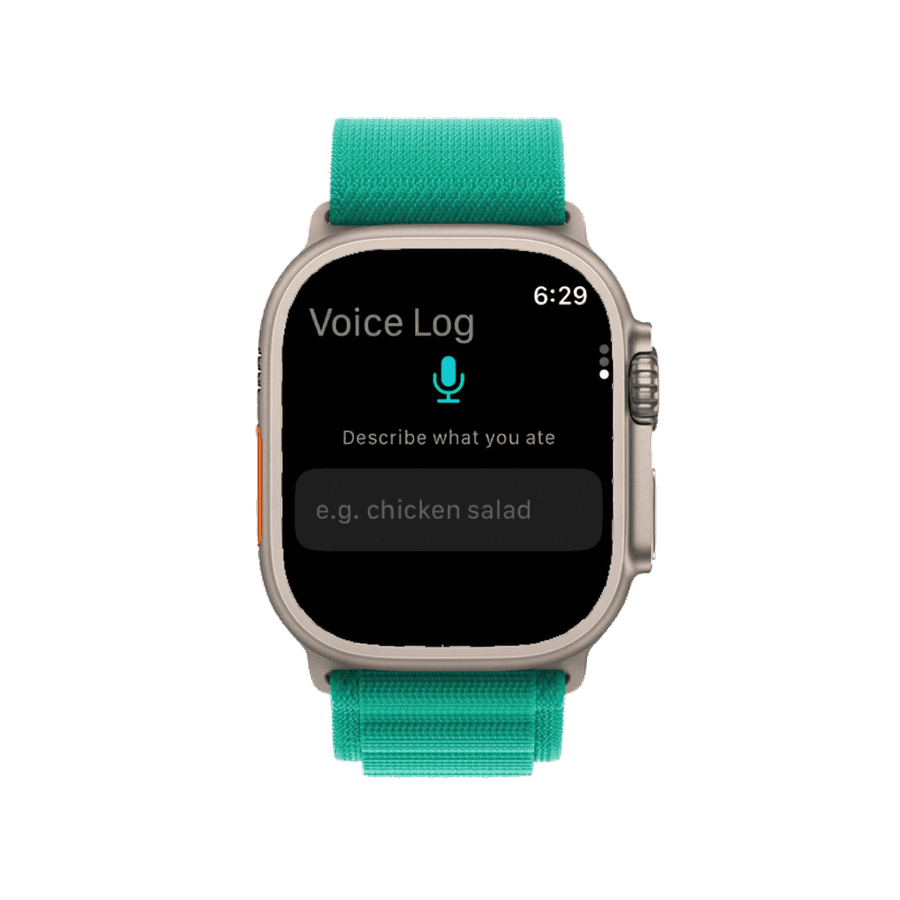
Typing on a watch is slow. Voice logging lets you say "two eggs, toast, and black coffee" and have the app parse foods and portions.
ProteinLog runs voice logging on the watch—no iPhone required after setup. Full guide: log meals without your phone.
Action Button: One-Press Meal Logging
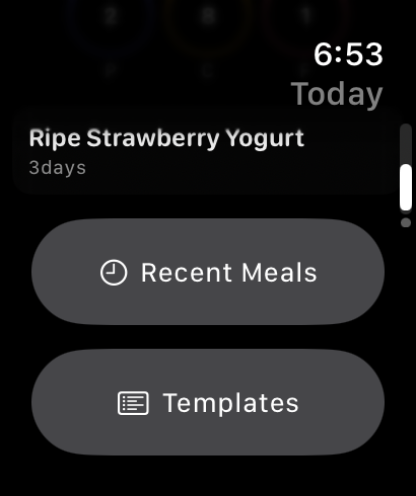
Apple Watch Ultra (and Ultra 2) have an orange Action Button on the side. You can assign it to start Voice Log or Quick Log (saved meals) in one press.
- iPhone + Watch setup: Action Button meal logging
- Ultra troubleshooting: Ultra Action Button guide
Apple Health Sync: Calories In and Out
Apple Health stores calories from food (your nutrition app) and calories from movement (your watch). When both are connected, you get a fuller picture of your day.
For how workout burn relates to eating targets, see activity calories and nutrition.
Set baseline targets with our free macro calculator before configuring your watch.
Apple Watch Guide Series
- Quick intro to watch nutrition
- Log meals without your iPhone
- Watch face widgets for nutrition
- Action Button meal logging
- Ultra Action Button troubleshooting
- Best app for Apple Watch Ultra
- Activity calories + nutrition
- Gym, restaurant, and desk workflows
Frequently Asked Questions
Can you track food on Apple Watch without your iPhone?
After iPhone setup, ProteinLog supports voice logging and saved meals on the watch. Barcode and photo logging need your iPhone camera.
Does the Apple Watch track calories burned accurately?
It uses heart rate, movement, and your profile. Apple's guidance notes estimates vary by person. Pairing with logged intake still helps decision-making.
How do I add a calorie tracker to my watch face?
Long-press the face → Edit → tap a slot → choose ProteinLog → pick Protein or Macros.
What is the best tracker for gym-goers?
Voice logging and the Action Button so you can log after workouts without your phone. See meal tracking workflows.
Switching from MyFitnessPal?
See our comparison and switch guide.

Log Meals from Your Wrist
Voice logging, watch complications, and Action Button shortcuts work on Apple Watch without your iPhone nearby. See the complete Apple Watch guide or use our free macro calculator to set your targets first.
Download on the App StoreiPhone & Apple Watch · No ads · Cancel anytime