On this page
TL;DR
Most Apple Watch nutrition apps only display calories—they don't let you log from your wrist. This quick intro covers what a real Apple Watch calorie tracker needs. For app comparisons, setup steps, and our full guide series, start with the complete Apple Watch guide.
Why Most Watch Apps Fall Short
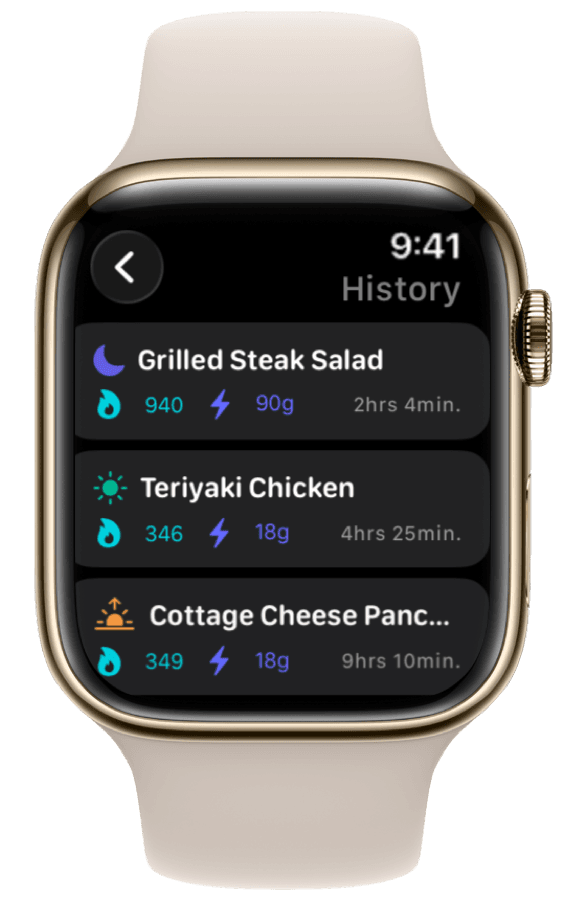
If you have tried MyFitnessPal or similar apps on Apple Watch, you know the frustration. Many watch apps only show your totals—they make you open your iPhone to log a new meal.
When you are at a restaurant, leaving the gym, or cooking, that friction breaks the habit. A good Apple Watch nutrition app lets you see progress on your watch face and log from your wrist—not just mirror numbers from your phone.
What a True Apple Watch Calorie Tracker Looks Like
A genuine watch nutrition app must let you:
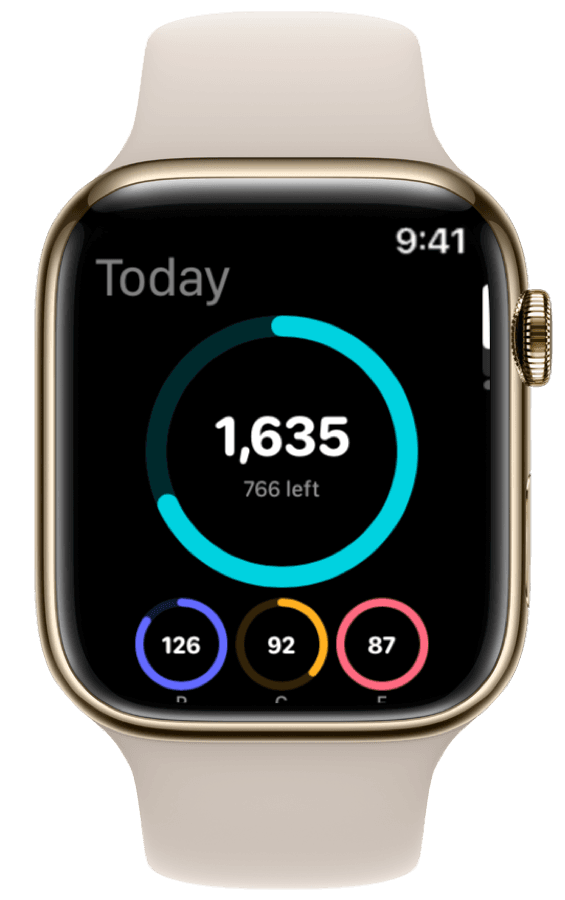
- View daily macro and calorie progress at a glance (complications guide).
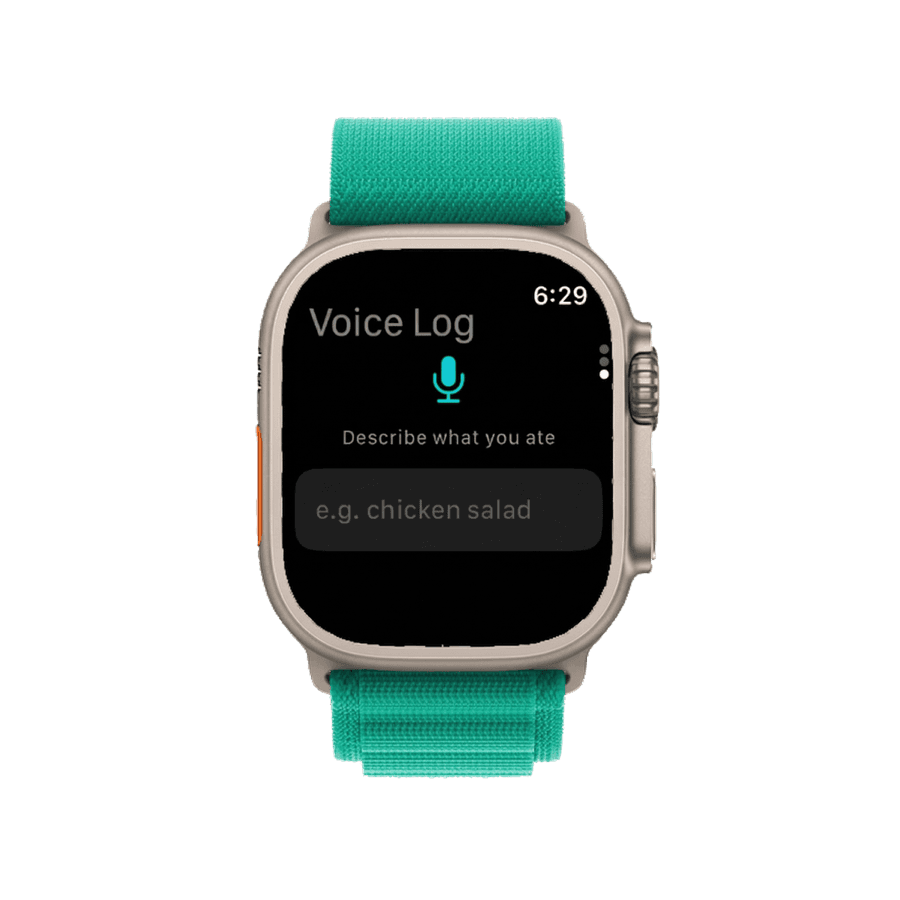
- Log meals quickly—via voice on your wrist or Action Button shortcuts.
- Sync with Apple Health alongside activity calories (integration guide).
ProteinLog on Apple Watch: Four Core Features
Watch face widgets — See protein and calories on your watch face (Apple calls these "complications").
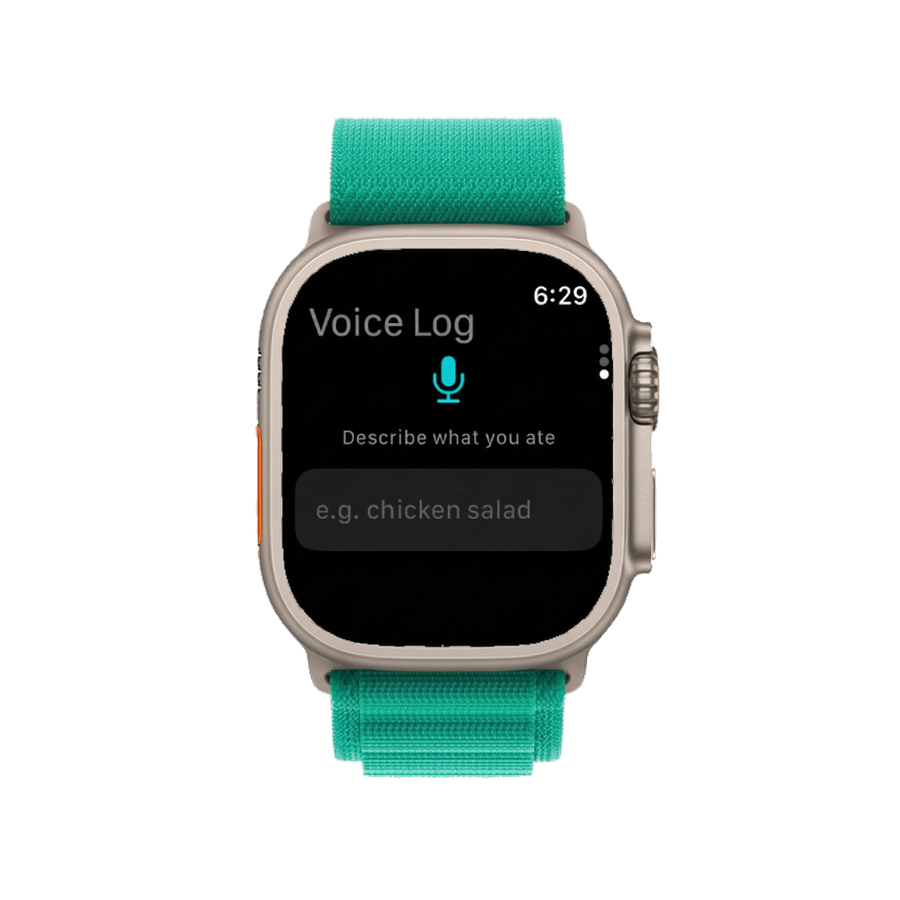
Voice logging — Describe your meal; AI parses foods and portions. Full setup in our standalone logging guide.
Action Button — Apple Watch Ultra users can map the orange button to Voice Log or Quick Log. Details in the Ultra Action Button guide.
Apple Health sync — Dietary intake writes to Health alongside your watch's burn data.
Quick Setup
- Download ProteinLog on iPhone.
- Install the watch app via the Watch app → Available Apps.
- Enable Apple Health Sync in ProteinLog settings.
- Add ProteinLog to your watch face (see widgets guide).
Set targets first with our free macro calculator.
Go Deeper
This page is a quick overview. Our complete Apple Watch calorie tracker guide compares apps, links every setup guide, and covers workflows for gym, restaurant, and desk scenarios in the meal tracking workflows guide.
Frequently Asked Questions
What is the best Apple Watch calorie tracker?
For logging from the wrist—not just viewing synced data—ProteinLog leads with voice logging, complications, and Action Button support. Read the full comparison.
Can I log food on Apple Watch without my iPhone?
After setup, ProteinLog voice and template logging run on the watch. AI photo scanning requires an iPhone camera.
How do I see macros on my watch face?
Add ProteinLog complications when editing your watch face. Step-by-step: complications guide.

Log Meals from Your Wrist
Voice logging, watch complications, and Action Button shortcuts work on Apple Watch without your iPhone nearby. See the complete Apple Watch guide or use our free macro calculator to set your targets first.
Download on the App StoreiPhone & Apple Watch · No ads · Cancel anytime