TL;DR
What is Model Context Protocol and how it links nutrition data? MCP is an open standard—created by Anthropic and described on the official MCP site—that lets AI assistants connect securely to apps you already use. Think of it as a universal adapter: instead of telling Claude or Cursor what you ate, the assistant reads your ProteinLog diary in real time and coaches you against your actual macros and goals. This article explains MCP in plain language, shows example prompts, and points you to our full MCP setup guide when you are ready to connect.
The Problem MCP Solves
AI assistants are excellent at general nutrition advice. Ask any model "How much protein should I eat?" and you will get a reasonable answer backed by sports nutrition research. But generic guidance hits a wall the moment you need personal context.
The assistant does not know:
- What you ate for breakfast today
- Whether you are 40g or 140g into your protein target
- That you lowered your calorie goal last week for a cut
- That you consistently under-eat protein on weekends
Until recently, the workaround was manual. You exported screenshots, copied macro summaries, or typed out your food diary in the chat window. That is slow, error-prone, and easy to skip—which means you stop getting personalised help precisely when tracking matters most.
The Model Context Protocol fixes this by giving AI applications a standardised way to plug into live data sources. For nutrition, that means your assistant can see your food log the same way a dietitian would if they opened your tracker app—without you re-entering anything.
What Is Model Context Protocol? (Plain Language)
MCP stands for Model Context Protocol. It is an open-source standard, introduced by Anthropic in November 2024, that defines how AI applications (called hosts or clients) communicate with external services (called servers).
The official documentation compares MCP to a USB-C port for AI: one standard connector that works across devices, instead of a different proprietary cable for every gadget.
Before MCP, every AI tool needed custom integrations for every data source. Gmail needed one connector, Slack another, your nutrition app a third. MCP replaces that fragmentation with a single protocol so developers build one server and any compatible AI client can connect.
According to Google Cloud's MCP overview, the protocol enables LLMs to retrieve current information, perform actions, and access specialised tools not included in their training data. That is exactly what nutrition coaching requires—your Tuesday lunch is not in any model's weights.
The Three Players in MCP
Understanding MCP is easier when you name the parts:
| Role | What it is | Nutrition example |
|---|---|---|
| Host / Client | The AI app you talk to | Claude Desktop, Cursor, Windsurf |
| MCP Server | The bridge exposing data and tools | ProteinLog's MCP server at proteinlog.app/mcp |
| Data source | Where your information lives | Your ProteinLog meals, goals, and macro history |
When you ask "How am I doing on protein today?", the host sends a request to the ProteinLog MCP server. The server returns structured data—your logged meals and targets—and the model answers using your real numbers.
The MCP specification defines three things servers can expose:
- Resources — read-only context (your meal history, daily totals)
- Tools — actions the AI can take (updating your calorie or protein goal)
- Prompts — pre-built workflow templates
ProteinLog's integration focuses on viewing meals, viewing goals, and updating goals—giving your assistant enough context to coach without handing over your entire account.
How MCP Links to Your Nutrition Data
So what is Model Context Protocol and how it links nutrition data in practice? The connection flow looks like this:
- You add ProteinLog as an MCP server in your AI app (Claude Desktop, Cursor, etc.).
- You authenticate with OAuth—the same secure sign-in flow apps use for "Sign in with Google." Your password never goes to the AI provider.
- When you ask a nutrition question, the AI client calls ProteinLog's MCP server over HTTPS.
- The server returns your authorised data: meals for a given day, macro breakdowns, and current targets.
- The model synthesises an answer grounded in your actual intake.
This is fundamentally different from pasting a macro screenshot. The data is structured, current, and queryable. Your assistant can sum protein across three meals, compare today to yesterday, or calculate remaining calories for dinner—programmatically, in seconds.
For ProteinLog specifically, MCP exposes three capabilities detailed in our MCP AI assistant integration guide:
- View meals — breakfast through snacks, with calories, protein, carbs, fat, portions, and timestamps
- View goals — daily calorie, protein, carb, and fat targets
- Update goals — change targets conversationally ("Set protein to 180g")
Meal logging still happens in the ProteinLog app via AI photo scan, voice logging, or manual entry. MCP closes the coaching loop by letting your assistant analyse what you already logged.
Why Nutrition Data Needs a Live Connection
Nutrition is one of the best use cases for MCP because advice without data is guesswork—and health data without context is noise.
Consider three scenarios:
Scenario 1: The protein gap. Generic advice says eat more protein. MCP-linked advice says: "You have had 52g of 150g protein today. Your lunch was light on protein. For dinner, aim for 40–50g—a salmon fillet with Greek yogurt would close the gap."
Scenario 2: The cut adjustment. You tell your assistant you want to reduce calories. Instead of explaining how to edit settings, you say "Drop my target to 1,900 calories and keep protein at 160g." The assistant updates ProteinLog directly.
Scenario 3: The weekly pattern. You ask for a seven-day review. The assistant pulls your meals, notices you under-eat protein on weekdays but over-eat calories on Friday nights, and suggests a concrete Meal Template strategy.
None of these require you to become a prompt engineer or data entry clerk. MCP handles the plumbing; you have the conversation.
Research on digital health coaching consistently shows that personalised feedback improves adherence compared to generic education. MCP is the technical layer that makes AI coaching personalised at scale.
Example Prompts You Can Use Today
Once MCP is connected—follow our step-by-step setup guide for Claude Desktop and Cursor—you can ask natural questions like these:
Daily check-ins
- "Summarise what I have eaten today and how close I am to my goals."
- "How much protein do I have left for the rest of the day?"
- "Did I hit my calorie target yesterday?"
Meal planning
- "Based on what I have eaten so far, suggest a high-protein dinner under 600 calories."
- "I have chicken, rice, and spinach in the fridge. What can I make to hit my remaining macros?"
- "I am going to a sushi restaurant tonight—how much room do I have for dinner?"
Goal management
- "I am starting a lean bulk. Set my calories to 2,800 and protein to 180g."
- "Lower my fat goal to 60g but keep everything else the same."
- "Increase my protein target by 20g—I am adding strength training."
Weekly analysis
- "Pull my meals from the last seven days. What patterns do you see?"
- "Which day this week had the highest protein intake?"
- "Am I consistently under-eating protein at breakfast?"
Accountability
- "I did not log anything yesterday. Help me get back on track today."
- "Compare this week's average calories to my goal."
These prompts work because MCP gives the model your data—not a hypothetical 2,000-calorie diet plan. The difference between "eat 30g of protein per meal" and "you need 38g more protein before bed" is the difference between a textbook and a coach.
MCP vs Copy-Paste: Why the Standard Matters
You might wonder: "Why not just paste my macros into ChatGPT?"
You can—and many people do. But MCP offers structural advantages:
Always current. Pasted data goes stale the moment you eat again. MCP reads live data on each question.
Structured queries. The assistant can aggregate, filter, and compare across days without you formatting spreadsheets.
Write access. Updating goals through conversation beats navigating settings menus—especially on mobile.
Security model. OAuth scopes limit what the assistant can access. Paste workflows often overshare full screenshots containing personal details.
Ecosystem growth. Because MCP is an open standard, the same ProteinLog server works across Claude, Cursor, and future MCP-compatible tools without rebuilding integrations.
Microsoft and other major platforms are adopting MCP across their AI products, which means the nutrition data you connect today should work with more assistants tomorrow.
Privacy and Security Considerations
Linking health data to an AI assistant deserves scrutiny. ProteinLog's MCP integration follows these principles:
- OAuth authentication — you explicitly grant and can revoke access
- No stored credentials — your ProteinLog password is never shared with the AI provider
- Scoped permissions — the assistant accesses meals and goals, not payment or account administration data
- HTTPS encryption — all data in transit is encrypted
You should also review the privacy policy of whichever AI host you use (Claude, Cursor, etc.) to understand how session data is handled. ProteinLog does not use your nutrition data to train AI models.
For full setup instructions and authentication walkthrough, see Connect Your AI Assistant to ProteinLog with MCP.
Who Benefits Most from MCP + Nutrition Data
MCP is not for everyone. It shines when:
- You already track consistently in ProteinLog and want smarter analysis
- You work at a computer with Cursor or Claude Desktop open daily
- You prefer conversational coaching over scrolling charts
- You adjust macro targets frequently during cuts, bulks, or body recomposition phases
It is less essential if you only need simple calorie counting or rarely interact with AI tools. In that case, the ProteinLog app alone—with AI photo logging and Apple Watch voice entry—may be sufficient.
Getting Started: Connect in Minutes
Ready to link your nutrition data? The setup is straightforward:
- Subscribe to ProteinLog Pro (or start the 7-day free trial).
- Open your AI app settings — Claude Desktop → MCP, or Cursor → Settings → MCP.
- Add the ProteinLog server URL:
https://www.proteinlog.app/mcp - Authenticate when prompted via OAuth.
- Ask your first question: "What did I eat today?"
Detailed screenshots and troubleshooting for Claude Desktop and Cursor are in our MCP integration guide—this article intentionally avoids duplicating that walkthrough so you have one canonical setup resource.
How ProteinLog Makes MCP Practical
Most MCP servers expose developer tools or file systems. ProteinLog exposes something more personal: the food diary you update every day. That turns a general-purpose AI into a nutrition coach that knows your actual Tuesday—not an average Tuesday.
If you have been curious about what is Model Context Protocol and how it links nutrition data, the answer is simple: MCP is the bridge, ProteinLog is the data, and your AI assistant becomes the coach that finally has context.
Download ProteinLog and start your free trial, then follow the MCP setup guide to connect.
Frequently Asked Questions
Do I need to be technical to use MCP?
No. Adding a server URL in Claude Desktop or Cursor settings is a one-time copy-paste step. After authentication, you interact entirely through natural conversation.
Does MCP work on iPhone?
MCP is currently supported in desktop AI applications. As mobile AI assistants adopt MCP, ProteinLog's server will be compatible. Until then, log on iPhone and coach on desktop.
Can my AI assistant see data from months ago?
The assistant can query meals for specific days you ask about. Try "Show me my meals from last Monday through Friday" for weekly reviews.
What if I use multiple nutrition apps?
MCP connects one server at a time per account. If you migrate to ProteinLog, MCP gives you the most value when your primary log lives there consistently.
Is MCP only for Anthropic's Claude?
No. MCP is an open standard. Claude Desktop was an early adopter, but Cursor, Windsurf, and other clients support it. Any MCP-compatible host can connect to ProteinLog.
Continue reading
Related guides
6 min read
Connect Your AI Assistant to ProteinLog with MCP
ProteinLog supports the Model Context Protocol (MCP), letting AI assistants like Claude and Cursor access your nutrition data in real time for personalised coaching and insights.
11 min read
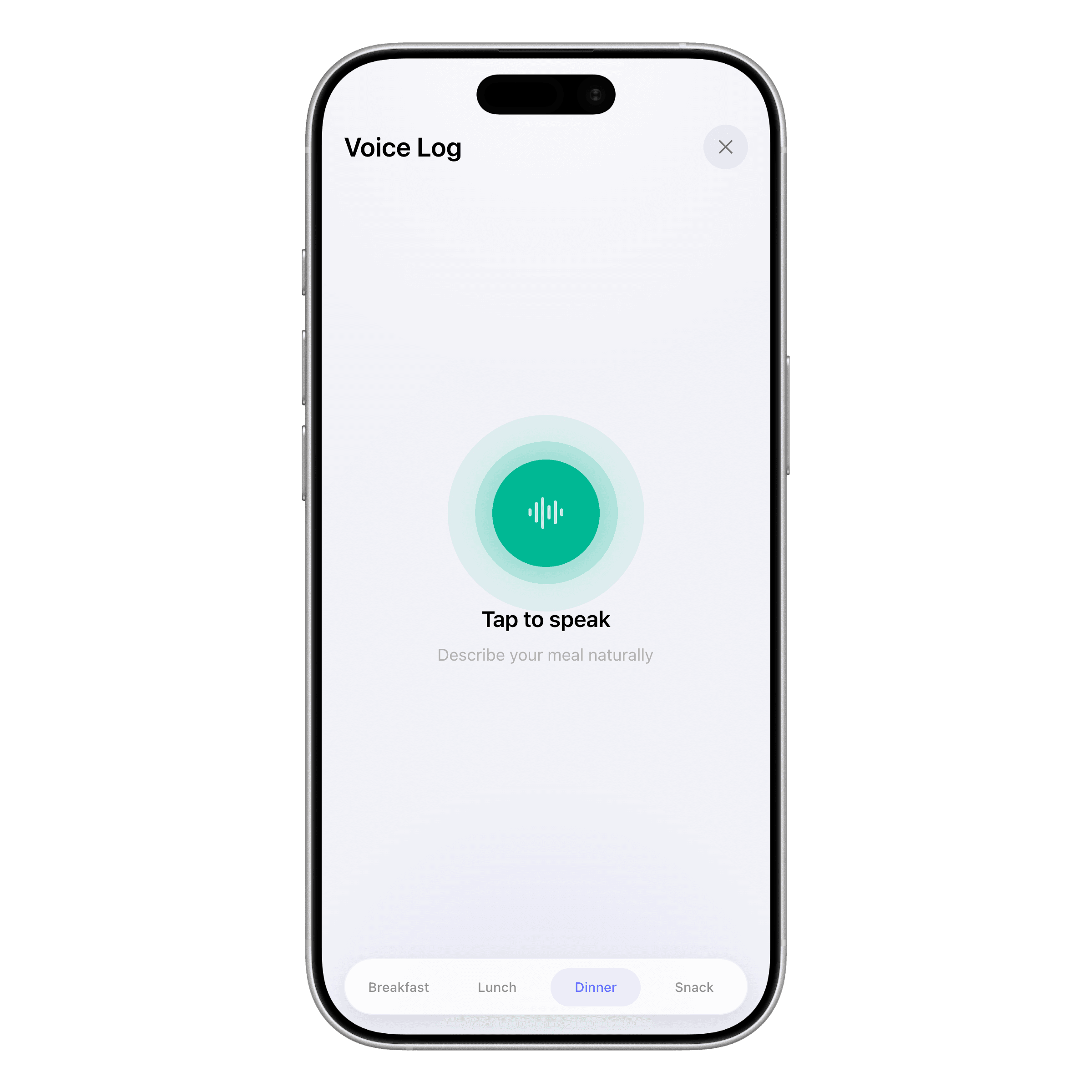
Voice Calorie Tracker Guide 2026: Log Macros by Speaking
Use a voice calorie tracker to log meals faster—phrase tips, accuracy checks, method comparison, and Apple Watch workflows.
4 min read
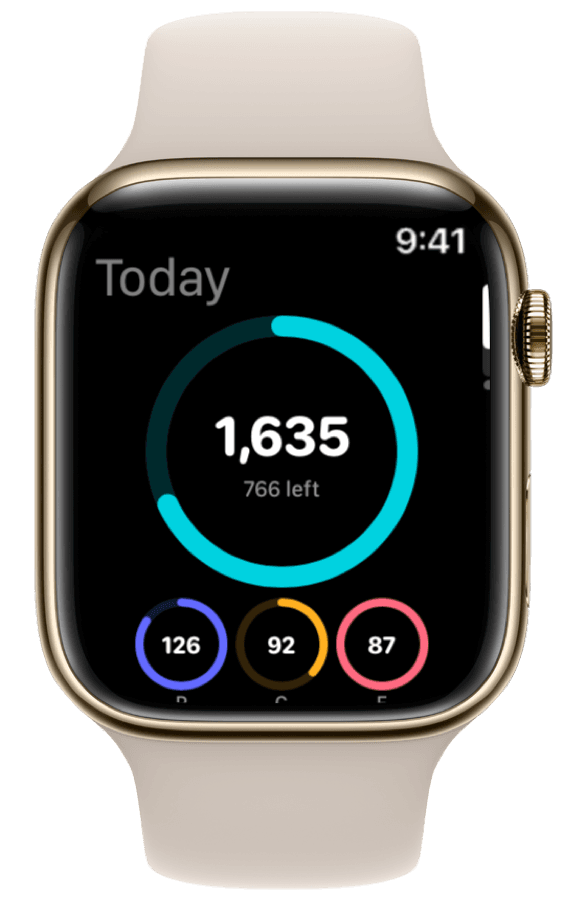
How to Track Calories & Macros on Apple Watch in 2026 (The Complete Guide)
The complete Apple Watch calorie tracker guide for 2026. Compare apps, set up watch face widgets, voice logging, Action Button shortcuts, and Apple Health sync.
Ready to Track Smarter, Not Harder?
Try ProteinLog free for 7 days. AI photo logging, verified nutrition data, Apple Watch logging, and our free macro calculator use the same targets as goal setup.
Download on the App Store