TL;DR
Dining out is where most trackers fall apart—but it does not have to be. This guide on how to log restaurant meals and estimate portions with photo logging combines posted menu calories, hand-based portion cues, and AI photo analysis so you can track without a food scale. Start with official numbers when they exist, sanity-check with the palm-fist-thumb method, then snap a photo and refine. Imperfect logging still beats skipping the meal entirely.
Why Restaurant Meals Are Hard to Track
Home cooking gives you control: you weigh ingredients, choose oils, and read labels. Restaurants invert every advantage. Portions are larger than home servings, cooking fats are invisible, and sauces arrive pre-applied. Research on eating-out patterns shows restaurant meals often deliver substantially more calories than comparable home-cooked dishes—partly because portion sizes have grown dramatically since the 1980s, according to the National Heart, Lung, and Blood Institute's Portion Distortion materials.
That does not mean you should avoid restaurants while tracking. It means you need a practical system that accepts uncertainty and still produces useful data. The Academy of Nutrition and Dietetics recommends hand-based portion estimation when scales are unavailable—a skill that travels to any table.
Step 1: Use Posted Calorie Data When You Can
In the United States, the FDA requires chain restaurants with 20 or more locations to display calorie counts on menus and menu boards. Covered establishments must also provide full nutrition information on request—including protein, carbs, fat, and sodium.
Before you order:
- Check the menu board or app for the calorie number next to your item.
- Search the restaurant's website for a nutrition PDF—most major chains publish one.
- Log the official entry in your tracker before the food arrives.
- Adjust after eating if the portion clearly exceeded the standard serving.
When official data exists, treat it as your anchor. Photo logging and hand estimates fill the gaps; they should not override a verified 640-calorie menu entry for a standard burger.
| Source | Best for | Limitation |
|---|---|---|
| Menu board calories | Chain entrees, standard portions | Does not reflect customizations unless listed |
| Restaurant nutrition PDF | Full macros, modifiers | May lag new menu items |
| USDA FoodData Central | Generic ingredients | Not restaurant-specific |
| Hand + photo estimate | Independent restaurants | ±15–25% typical variance |
Step 2: Learn Hand-Based Portion Estimation
When no calorie count is posted—at a local bistro, a friend's dinner party, or abroad—your hands become measuring tools scaled to your body size. Dietitians have taught this approach for decades because it requires no equipment.
| Hand cue | Approximate portion | Example use |
|---|---|---|
| Palm (no fingers) | 3 oz / 85 g protein | Chicken breast, fish fillet, steak |
| Fist | 1 cup | Cooked rice, pasta, vegetables |
| Cupped hand | ½ cup | Grains, starchy sides |
| Thumb | 1 tbsp fat | Dressing, butter, oil, cheese |
| Two fingers | 1.5 oz cheese | Shredded cheese topping |
Common restaurant mistakes to avoid:
- Rice and pasta bowls often contain 2–2.5 fists, not one. Logging a single cup when you were served two can undercount 200–250 calories.
- Protein portions frequently cover the entire plate—6–8 oz instead of the 3 oz "palm" standard.
- Invisible fats—a typical restaurant entrée may include 2–4 tablespoons of cooking oil you cannot see, adding 250–500 calories.
Before eating, scan the plate: one palm of protein? Two fists of starch? A visible thumb of sauce? Adjust your log accordingly.
Step 3: Snap the Photo Before You Eat
Photo logging works best when the plate is full and unobstructed. Follow these tips for cleaner AI recognition:
- Shoot from directly above (45–90° angle) with even lighting.
- Include the whole plate in frame—edges help the model judge volume.
- Separate components when possible; push rice to one side, protein to another.
- Log immediately while the meal is in front of you, not from memory hours later.
- Add context if the app allows notes—"cream sauce," "extra oil," "shared appetizer."
Our AI photo calorie counter guide explains how computer vision identifies foods and estimates volume. The technology is not perfect—research on image-based portion estimation shows it remains a challenging task—but it provides a strong starting point faster than manual entry.
Step 4: Verify and Adjust the AI Estimate
Treat photo logging as a draft, not a verdict. After the app returns its breakdown:
- Check each identified item. Swap misidentified foods (e.g., pork for chicken).
- Scale portions using your hand estimate. If the AI logged one fist of rice but you count two, double the rice entry.
- Add hidden fats the camera cannot see. Rich, glossy, or crispy dishes often need an extra thumb of oil or butter.
- Account for shared plates. Log your portion as a fraction—half an appetizer, one-third of a pizza.
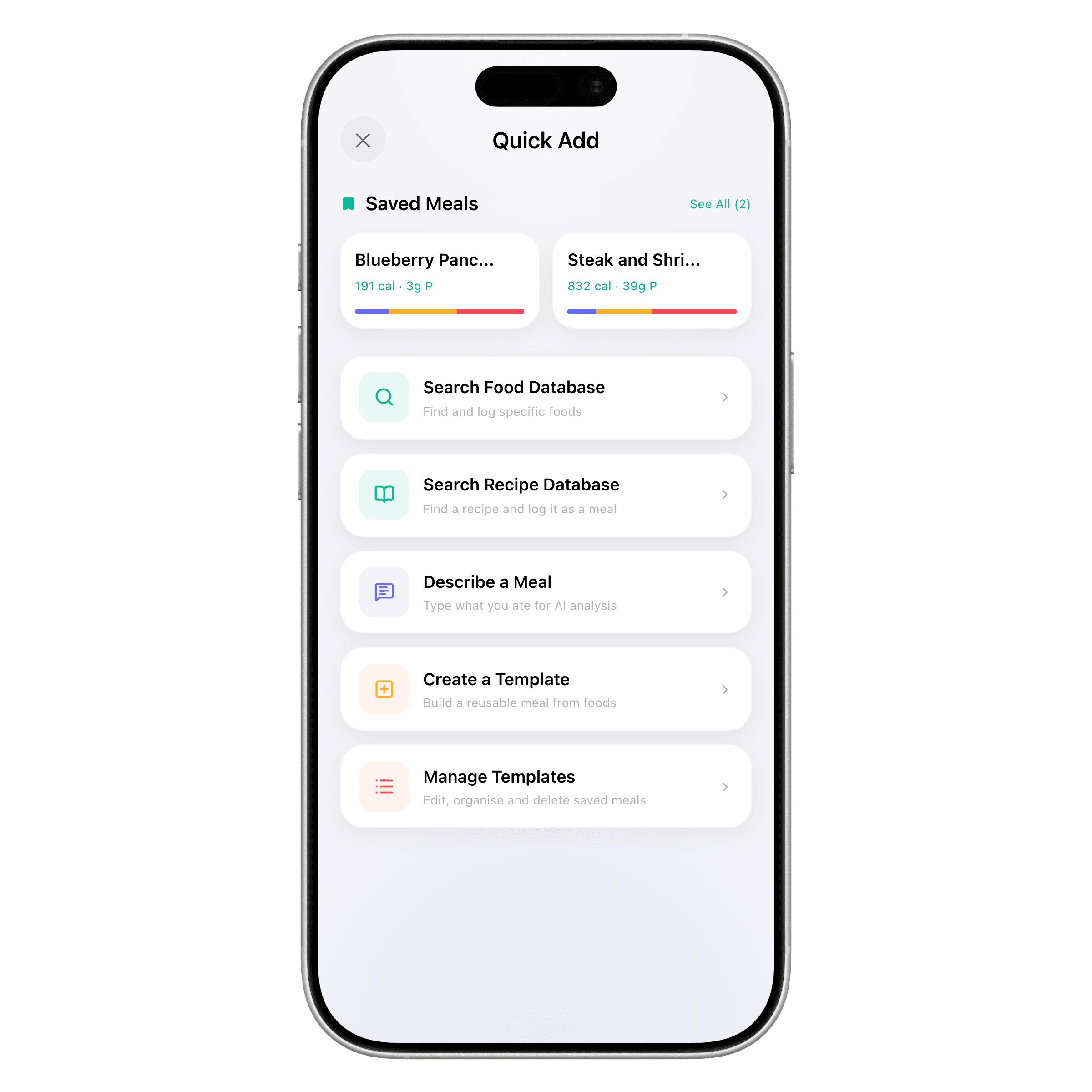
- Save as a template if you order the same dish regularly at a familiar spot.
Research from the University of Sydney on hand-based measures found they provide acceptable accuracy for everyday dietary assessment—comparable to household cups for most people. Combined with AI speed, you get a workflow that is fast enough to use every time you eat out.
Step 5: Handle Specific Restaurant Scenarios
Chain fast food and casual dining
Use posted calories first. Customize the entry for add-ons—extra cheese, large fries, sugary drinks. Most chains list these modifiers in their nutrition guides.
Buffets and build-your-own bowls
Log component by component using hand portions: protein (palm), base grain (fist), toppings (thumb for fats). Photo logging helps when the bowl is assembled, but deconstructing mentally improves accuracy.
Ethnic and independent restaurants
Search your tracker for a similar dish—"chicken tikka masala" even if the restaurant name differs. Use photo logging for the visual, then cross-reference with USDA generic entries for rice, naan, and protein portions.
Alcohol and beverages
Do not forget liquid calories. A restaurant margarita can exceed 300 calories; a pint of beer adds 150–200. Log drinks separately—they rarely appear in food photos.
Business lunches and social pressure
Speed matters more than precision in these settings. Snap one photo, accept a reasonable estimate, and move on. Consistency across weeks beats agonizing over a single lunch.
Photo Logging vs. Manual Search: When to Use Each
| Situation | Best method | Why |
|---|---|---|
| Chain item with posted calories | Manual search / barcode | Official data is more accurate |
| Mixed plate, unknown restaurant | Photo logging | Faster than logging 6 ingredients |
| Same dish every Tuesday | Save as template | Fastest after first log |
| Homemade-style stew or curry | Photo + hand adjust | AI identifies base; you scale portions |
| Quick coffee shop pastry | Barcode or menu data | Packaged items have labels |
Use our free macro calculator to confirm your daily targets leave reasonable room for dining-out meals—most fat-loss plans include 2–4 restaurant meals per week without derailing progress.
Logging Restaurant Meals on the Go
When your phone is in your pocket and the meal is in front of you, workflow matters. Some people photo-log on iPhone before the first bite; others use voice logging from Apple Watch to capture the dish name and estimate portions verbally. Our Apple Watch meal tracking workflows guide covers wrist-based logging for busy schedules.
The principle is the same regardless of device: capture something now, refine later. A 20% inaccurate log teaches you more than a skipped meal.
Accuracy Expectations: What "Good Enough" Looks Like
No restaurant log is exact—not even with a food scale, because database values themselves carry variance. For body composition and weight management, tracking within ±10–15% of actual intake across the week is sufficient for most goals, according to standard sports nutrition practice.
| Accuracy level | What it looks like | Good enough for |
|---|---|---|
| ±5% | Weighed home meals + menu data | Competition prep |
| ±10–15% | Menu data + hand checks | Fat loss, recomposition |
| ±20–25% | Photo estimate only | Maintenance, habit building |
| Not logged | Skipped meal | Nothing—always log something |
Photo logging typically lands in the ±15–25% range for mixed plates before you adjust. One minute of verification—doubling the rice, adding a thumb of oil—often pulls that to ±10–15%. For a deeper look at the technology behind those estimates, read how accurate AI photo logging really is.
How ProteinLog Makes This Easier
ProteinLog's AI photo logging identifies foods and estimates portions from a single snap—exactly the workflow restaurant meals demand. Verified USDA and FatSecret data backs each item, so you spend time adjusting portions instead of fixing crowd-sourced database errors. Save your regular orders as templates for one-tap logging next visit.
Try it on your next dinner out: download ProteinLog and snap your plate before the first bite.
Frequently asked questions
How accurate is photo logging for restaurant meals?
Expect a useful starting estimate within 15–25% for mixed plates. Combine photo logging with menu calorie data when available and hand-based portion checks for sauces, starches, and proteins. One minute of adjustment after the AI result dramatically improves accuracy.
Should I log restaurant meals before or after eating?
Log before eating when official calorie counts are available—you can adjust portions after. For unknown dishes, photograph the full plate first, then refine once you have eaten and can judge volume more accurately.
Do all US restaurants show calorie counts on menus?
No. The FDA menu labeling rule applies to chains with 20 or more locations. Independent restaurants are usually exempt. Use hand portions and photo logging when numbers are not posted.
What if the AI misidentifies an ingredient?
Tap the item to swap it or adjust quantity. Sauces, cooking oils, and breading are the most common misses. If a dish tastes rich or fried, add a thumb-sized fat estimate even if the photo looks lean.
Can I log restaurant meals from my Apple Watch?
Voice logging on Apple Watch works well when you know the dish name—"grilled salmon with rice and vegetables, large portion." For visual estimation, photo logging on iPhone before eating is more reliable. See our Apple Watch meal tracking workflows for on-the-go options.
Is it worth logging if I can only guess?
Yes. An imperfect log keeps you accountable and builds portion awareness. Skipping restaurant meals creates blind spots that hurt weekly averages far more than a 20% estimate does.
Continue reading
Related guides
11 min read
Voice Calorie Tracker Guide 2026: Log Macros by Speaking
Use a voice calorie tracker to log meals faster—phrase tips, accuracy checks, method comparison, and Apple Watch workflows.
8 min read
How to Create Reusable Meal Templates for Daily Macro Tracking
Learn how to create reusable meal templates for daily tracking. Save repeat meals, one-tap log from iPhone or Apple Watch, and hit your macros faster.
3 min read
How Accurate Are AI Photo Calorie Counters? (An Honest Answer)
Can an app really count calories from a picture? We break down how AI photo calorie counters work, where they excel, and where they struggle.
Ready to Track Smarter, Not Harder?
Try ProteinLog free for 7 days. AI photo logging, verified nutrition data, Apple Watch logging, and our free macro calculator use the same targets as goal setup.
Download on the App Store